In short: Most paid Shopify apps offer a free basic plan or a free trial so you can try them before you buy. However, recurring app charges start when you approve them and recur at the start of each billing period. Even if you uninstall during the trial, you might be charged, depending on the timing of the billing cycle. You can find pricing details in the Pricing section of the app page, and check your billing status in Settings > Billing in the Shopify admin.
If you plan to try another sign-up form app's free trial before deciding whether to switch, check the billing cycle during the trial and how charges are handled if you uninstall. This makes it easier to decide when to start using the app.
Key points
- Most paid Shopify apps offer a free basic plan or a free trial so you can try them before you buy
- You can check an app's pricing by scrolling to the Pricing section of the app page
- Recurring app charges start when you approve them, so you might be charged during the trial depending on the timing of the billing cycle
- Agreeing to a recurring app charge doesn't make it due right away. It's added to your bill at your next Shopify billing date or when you reach your billing threshold, whichever comes first
- Even if you pause or deactivate your store, app charges might continue until you uninstall the app
How do free trials for paid Shopify apps work?
Most paid apps offer a free basic plan or a free trial so you can try them before you buy. To check an app's pricing, open the app page and scroll to the Pricing section.
App pricing can be a monthly fee, a one-time charge, or usage-based charges, and in every case you can review the details before you buy. Most apps made by Shopify are free.
Source: Shopify Help Center: "Finding and choosing apps"
When do app charges appear on your bill?
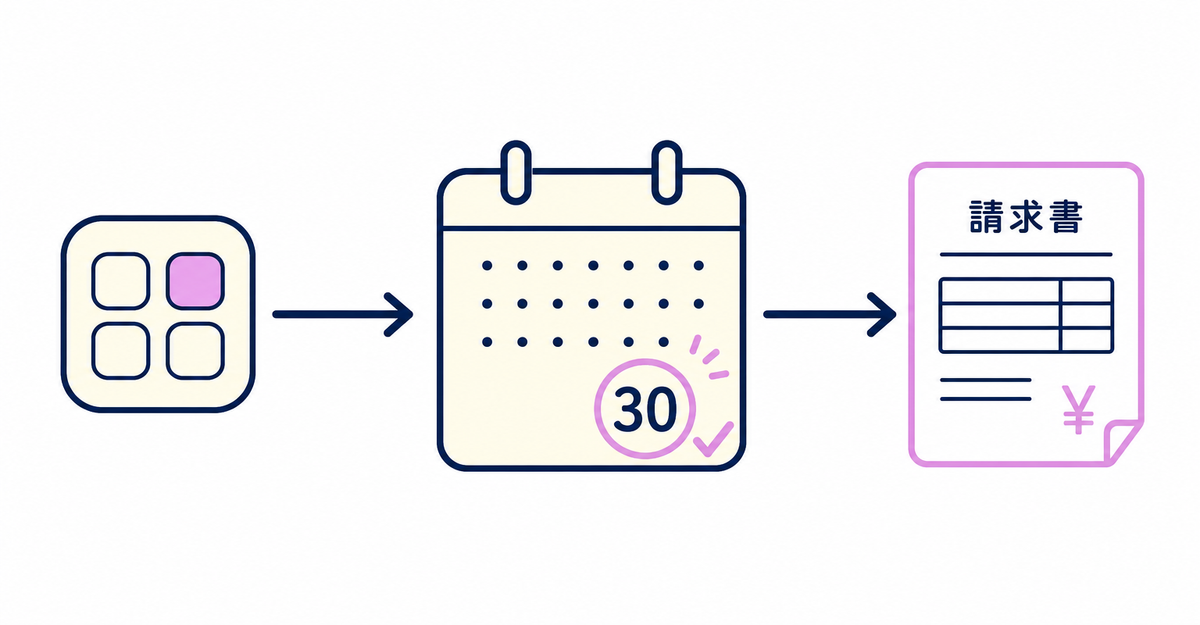
Agreeing to a recurring app charge doesn't make the payment due right away. The charge is added to your bill at your next 30-day Shopify billing date or when you reach your billing threshold, whichever comes first.
App subscription charges and app usage charges appear together on your regular Shopify subscription bill. One-time app purchases appear on a separate bill from your regular one. Apps have their own 30-day billing cycle, which can fall on a different date from your Shopify billing date.
Source: Shopify Help Center: "App charges on your Shopify bill"
What happens to charges if you uninstall during a free trial?
Recurring app charges start when you first approve the app and recur at the start of each billing period. Even during a trial, you might be charged depending on the timing of the billing cycle.
Even if you uninstall an app a few days after installing it, you might be charged because of the timing of the billing cycle. Uninstalling stops future billing cycles, but pending charges already generated for your next bill might not be removed. When Shopify apps bill you: invoices and charges after uninstalling covers how charges and data are handled after you uninstall.
Source: Shopify Help Center: "App charges on your Shopify bill"
Do app charges stop if you pause or deactivate your store?
Even if you pause or deactivate your store, app charges might continue until you uninstall the app. Uninstall apps you no longer use before you pause or deactivate your store.
Canceling a subscription inside an app or on the developer's website doesn't uninstall the app from your Shopify store. To stop Shopify billing, you also need to uninstall the app from Settings > Apps in the Shopify admin. To check how the data you shared with an app is handled, see How to check what customer data Shopify apps can access: permissions and what happens after uninstalling.
Sources: Shopify Help Center: "Finding and choosing apps" / Shopify Help Center: "App charges on your Shopify bill"
Where can you check your app charges?
Go to Settings > Billing in the Shopify admin to check your app charges. Click View current charges (「現在の請求を表示する」) to see the pending app charges that will appear on your next bill.
The steps for refunds and disputes depend on whether a charge is pending (not yet billed) or already paid. In either case, you request a refund from the app developer. If you're migrating to Howdy from another sign-up form app, checking your current app's charges before you switch also makes it easier to decide when to switch.
Source: Shopify Help Center: "App charges on your Shopify bill"
Related articles
- When Shopify apps bill you: invoices and charges after uninstalling
- How to check what customer data Shopify apps can access: permissions and what happens after uninstalling
Frequently asked questions
Questions about new customer accounts? Ask us anytime.
Ask us about when to switch to Howdy after trying another sign-up form app's free trial. Our dedicated team creates your customer metafields, sets up your sign-up form fields, and places blocks on your profile page for free.