
Sign-up form app for Shopify
Add a sign-up form to new customer accounts
Our dedicated team handles the initial setup for free
Start 14-day free trial on the App Store

NEWS
News & Media
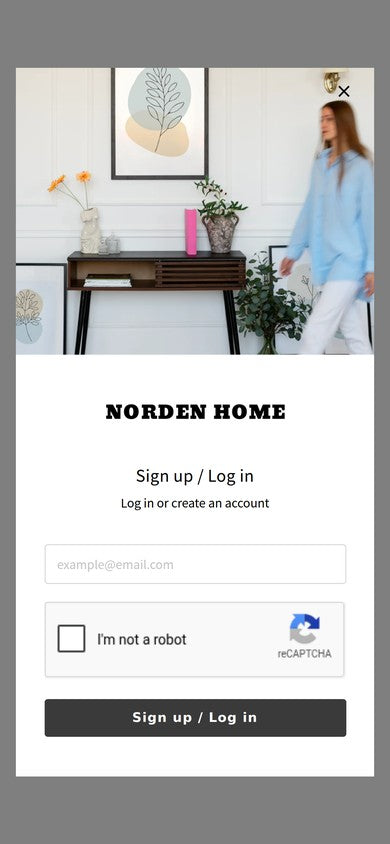
- News You can now add an image to the pre-login popup
- News Howdy is now Built for Shopify
- Media Niconico News published our press release on achieving Built for Shopify
- Media livedoor News published our press release on achieving Built for Shopify
- Media Excite News published our press release on achieving Built for Shopify
WORKS
Case Studies
Stores that added our sign-up form, and what they set up.

FREE SETUP SERVICE
Our dedicated team
sets everything up
for free.
-
STEP 01
Install the app
Install Howdy from the Shopify App Store.
-
STEP 02
Tell us what you need
Contact us from the app's admin after installing. We also help with customer tags and connections with other apps.
-
STEP 03
We set it up. You go live.
We create customer metafields, set up form fields and required settings, and arrange profile page blocks.

Ask us in plain words.
We want customers to enter their birthday too!

Leave it to us!
SetupFree
-
Setup fee
Free

-
From request to setup
In English

Leave the setup to our dedicated team.
Try it free for 14 days. Contact us after you install.
BUILT FROM STORE REQUESTS
We've answered each "we want to do this"
one by one.
Our dedicated team talks with each store directly and adds or adjusts features.
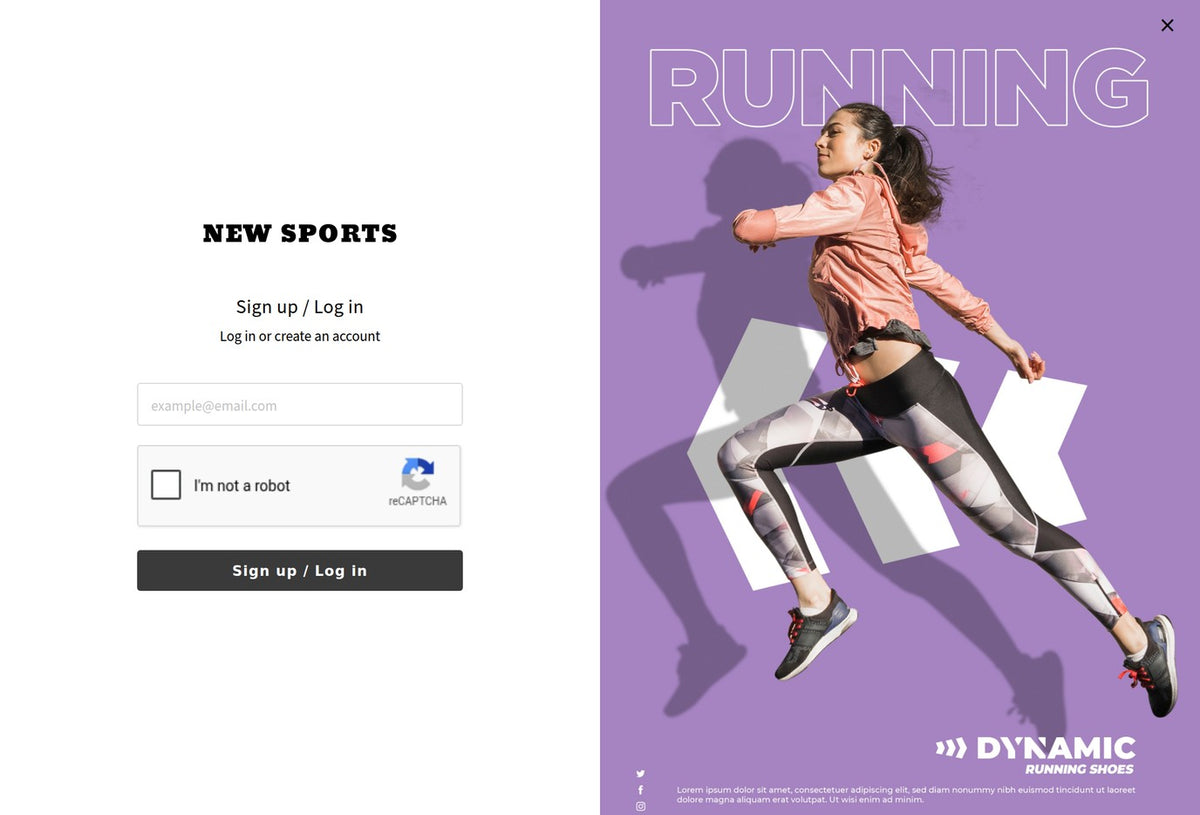
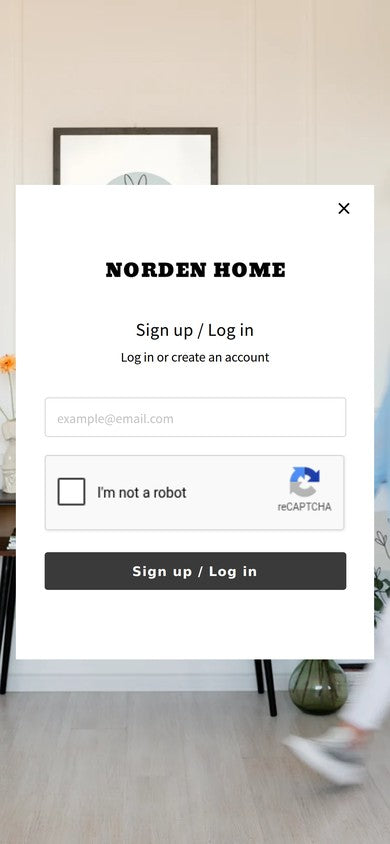
Logo and brand image
on the login screen.
This is the first screen your customers see.
Set your logo and brand image. They show on smartphones too.

Collect birthdays
and add customer tags.

Fill in the address
from the postal code.
Works with address check and loyalty point apps.
Use the addresses and birthdays you collect in address check and loyalty point apps.
Contact us to check which apps are supported.
- Address check
- Loyalty points
Choose the page shown after sign-up.
After sign-up, customers go to the page you choose in your store.
After Sign-up → Your chosen page
We review each request for its details and how widely it applies before adding it.
FROM APP STORE REVIEWS
What stores
say about Howdy.
-
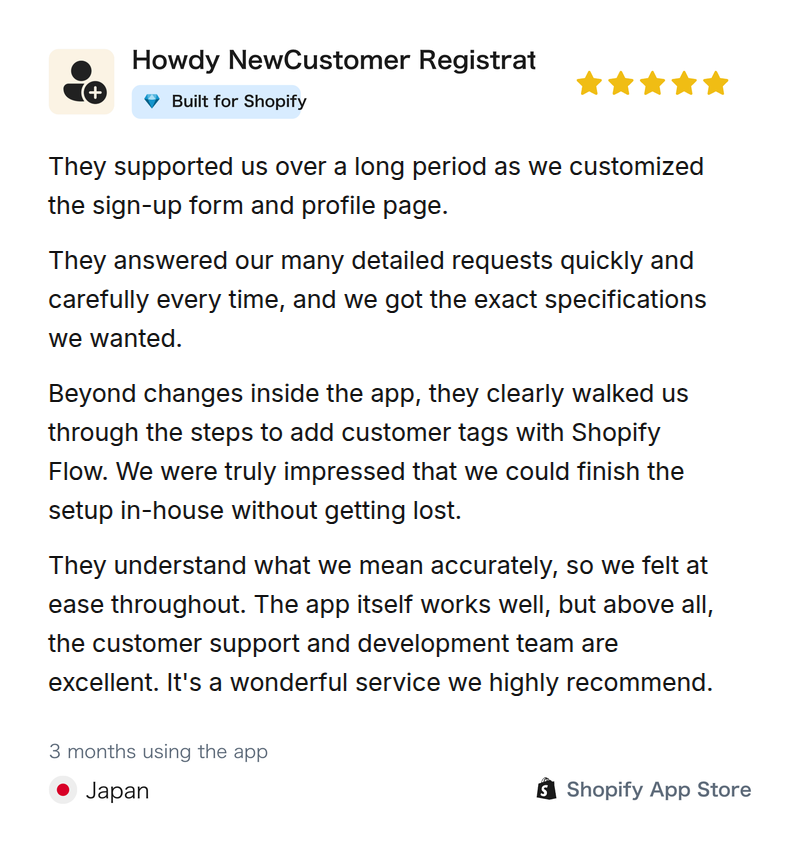
Menswear online store (listed company)
"We got the exact specifications we wanted."
-
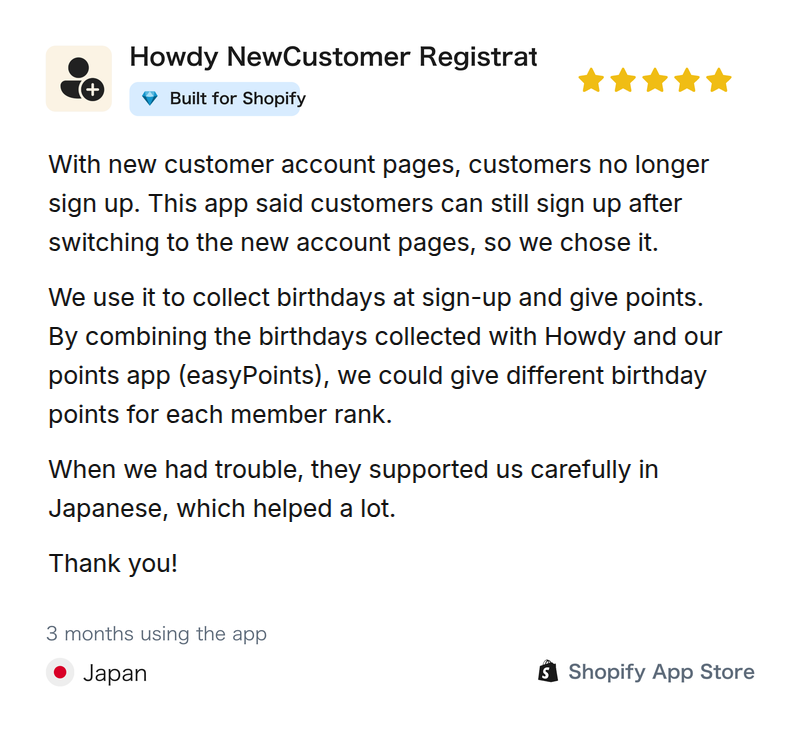
Coffee online store
"We could give different birthday points for each member rank."
-
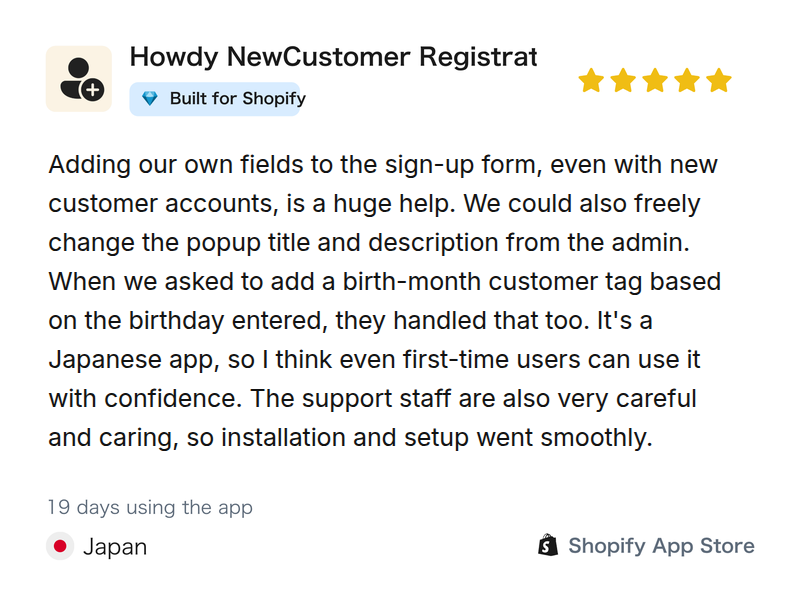
Tableware online store
"Adding our own fields to the sign-up form is a huge help."

HOWDY SUPPORT
Every store has different needs.
Our dedicated team works through each one.
*Quoted from reviews on the Shopify App Store, translated from Japanese.
BUILT FOR SHOPIFY
Howdy meets
Shopify's quality standards.
Built for Shopify is given to apps that meet Shopify's standards for performance, ease of use, safety, and more.
Howdy earned it in September 2026.

- Performance
- Ease of use
- Safety & reliability
- Usefulness
FEATURES
Sign-up form and account page features you can add with Howdy
Set up sign-up form fields, profile page content, and the look of the login and sign-up screen from the app's admin.
-
Add a sign-up form
Collect name, address, phone, birthday, newsletter consent, and terms agreement at sign-up.
-
Field settings
Set each field as required or optional, shown or hidden, and change the order. You can also add customer metafield fields.
-
New and existing customer detection
The sign-up form shows only to first-time customers. Registered customers never see it twice.
-
Redirect after sign-up
Send customers to a page you choose after sign-up, such as a product, campaign, or rewards page.
-
Profile page customization
Let customers view and edit customer metafields, and arrange the page blocks.
-
Banners by customer tag
Show regular customers a members-only sale and first-time customers a first-order coupon. Each customer sees their own banner on their account page, so customers who skip your emails still see it every time they log in.


Show your logo and brand image on the login and sign-up screen
This is the first screen your customers see. Set the logo, brand image, title, description, help text, and text alignment. The brand image also shows on smartphones.
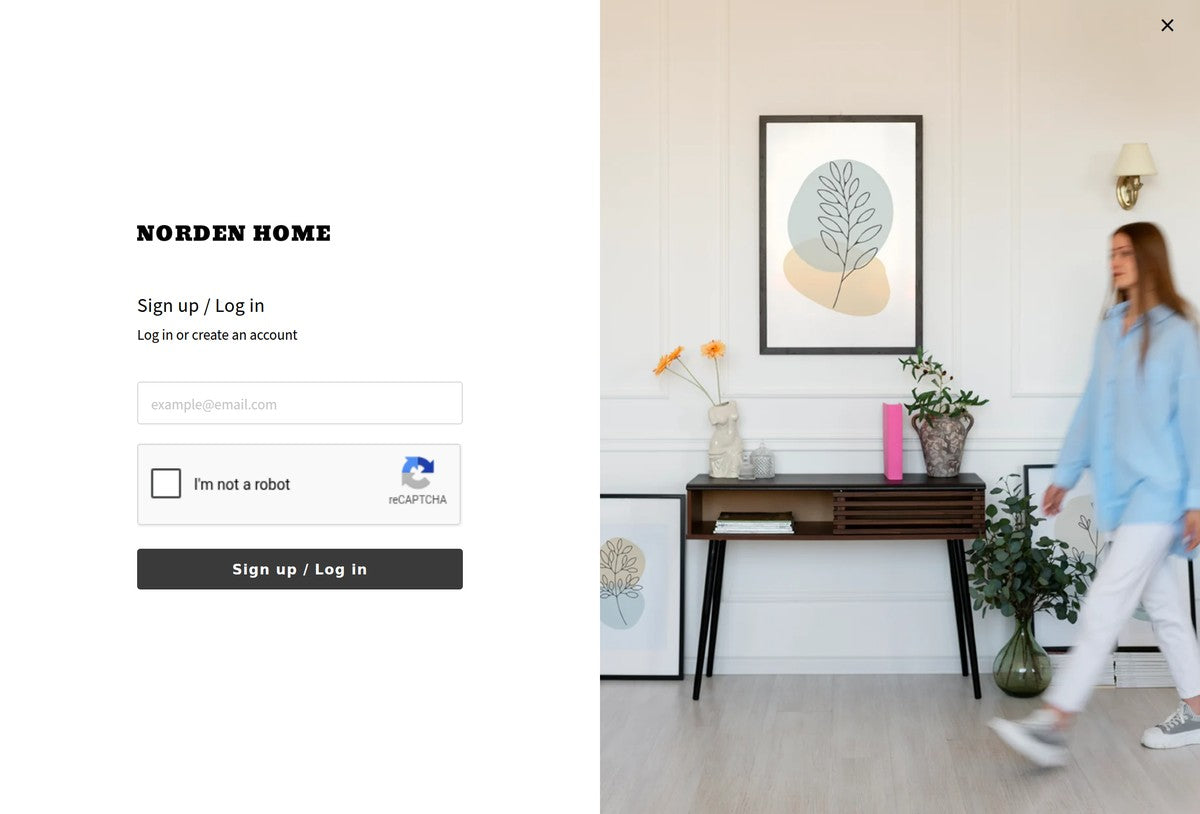
What you can set
- Logo
- Title
- Description
- Text alignment
- Brand image
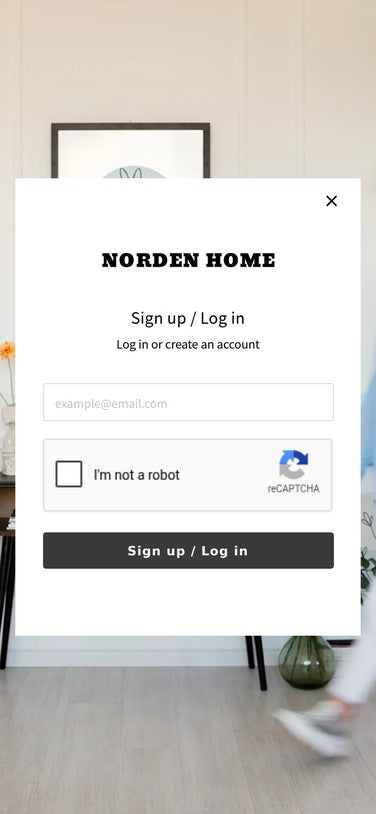
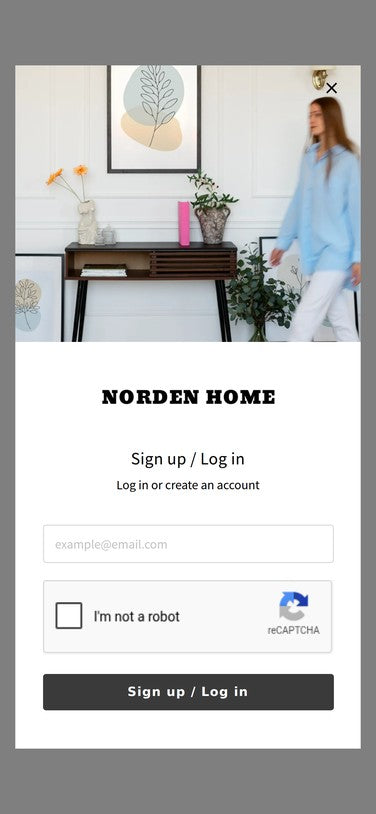
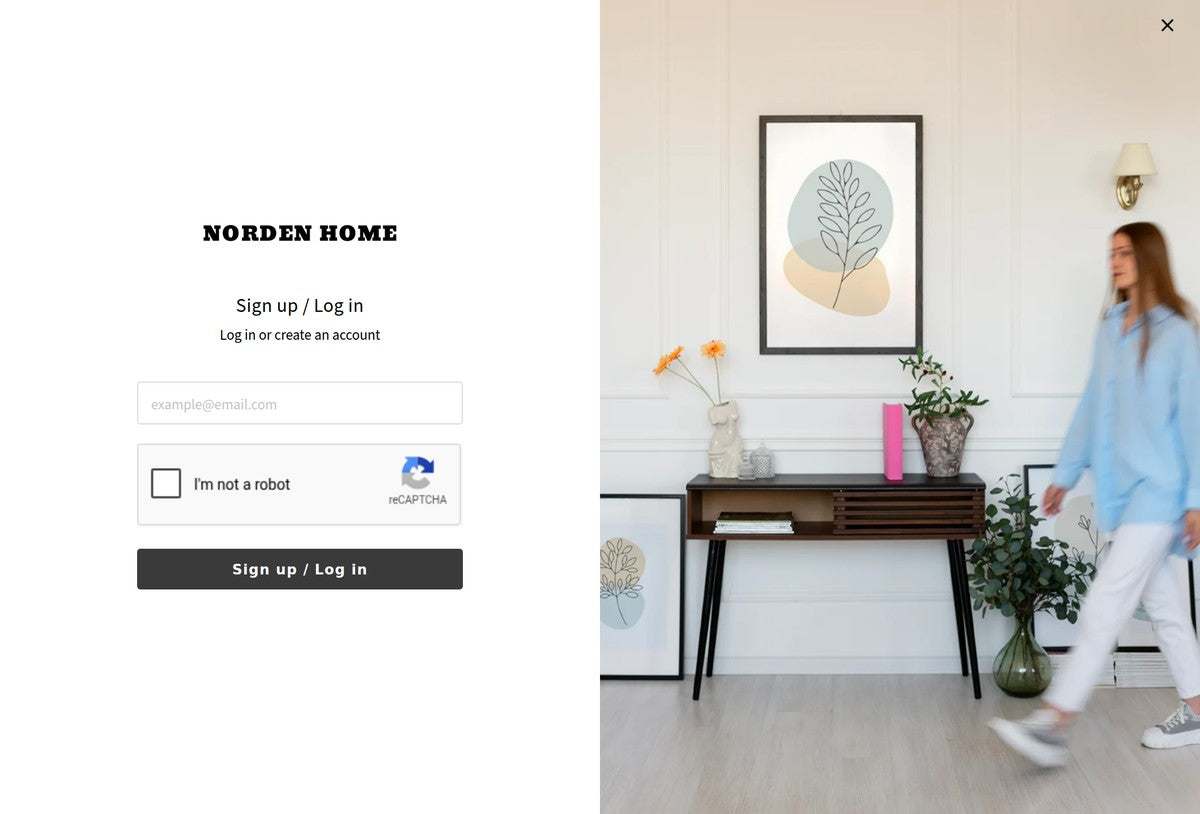
Try the login and sign-up screen and the profile page on our demo.
View live demoFLOW
From install to launch
Set it up yourself
-
Install the app
Add it from the Shopify App Store.
-
Set up fields in the admin
Choose which fields to collect and whether each is required.
-
Go live
The fields appear in your store's sign-up form.
Let us set it up
Free-
Install the app
Add it from the Shopify App Store.
-
Tell us what you need
Contact us from the app's admin.
-
We set it up
We set up customer metafields and form fields.
-
Go live
The fields appear in your store's sign-up form.
PRICING
Pricing
Our dedicated team handles the initial setup for free. Try every feature free for 14 days.
Choose a plan by your number of customers.
-
Basic
Customers Up to 1,000
Start 14-day free trial$4.99/month
$49.99/year if billed annually
-
Advanced
Customers Up to 4,000
Start 14-day free trial$19.99/month
$199.99/year if billed annually
-
Professional
Customers Up to 7,000
Start 14-day free trial$29.99/month
$299.99/year if billed annually
-
Plus
Customers Up to 15,000
Start 14-day free trial$99.99/month
$999.99/year if billed annually
Plans for large stores
For stores with more than 15,000 customers.
-
Plus Tier 1
Customers Up to 50,000
Start 14-day free trial$199/month
$1,990/year if billed annually
-
Plus Tier 2
Customers Up to 250,000
Start 14-day free trial$399/month
$3,990/year if billed annually
-
Plus Tier 3
Customers Up to 500,000
Start 14-day free trial$899/month
$8,990/year if billed annually
For stores with more than 500,000 customers, please contact us.
Every plan includes every feature.
- Add a sign-up form
- Field settings
- New and existing customer detection
- Redirect after sign-up
- Profile page customization
- Banners by customer tag
- Initial setup service (free)
- Support in English
Billing is handled through the Shopify App Store. Change or cancel your plan anytime. Prices are in USD.
See the real screens
with a 14-day free trial
The first 14 days after install are free. Go live and check how it works in your store.
FAQ
Questions we often get
before install
What does the setup service cover? Is there a fee?
Our dedicated team creates customer metafields, sets up sign-up form fields and required or optional settings, and arranges profile page blocks. It's free.
Can I move from legacy customer accounts
or another sign-up form app?
Yes. Switch to new customer accounts, then install Howdy, and our dedicated team sets up the fields. What to check before moving and the steps are in our articles "5 things to check before migrating from legacy customer accounts" and "How to migrate to Howdy from another sign-up form app".
What happens to existing customer data?
Nothing changes. Howdy detects new and existing customers at login, and registered customers don't see the sign-up form.
Which themes does it work with?
Any Online Store 2.0 theme. If your theme is customized, contact us and we'll check it.
Can I cancel?
Yes, anytime. Billing stops when you uninstall the app. The customer data you collected stays in Shopify's customer metafields.
Can I get support in English?
Yes. We help in English, from setup to theme compatibility and customization.
BLOG
Articles on new customer accounts
-
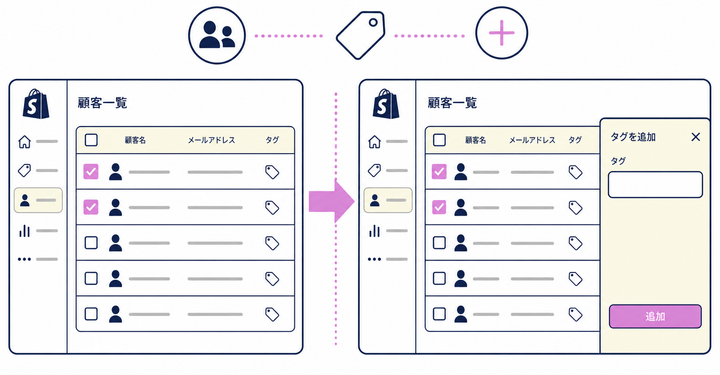
How to show the sign-up form to only some existing customers in Shopify: bulk editing customer tags
-
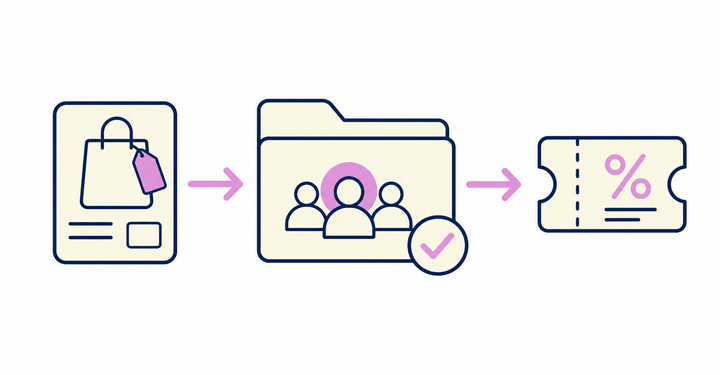
How to segment customers by purchased product in Shopify and send coupons: setting a products purchased condition
-
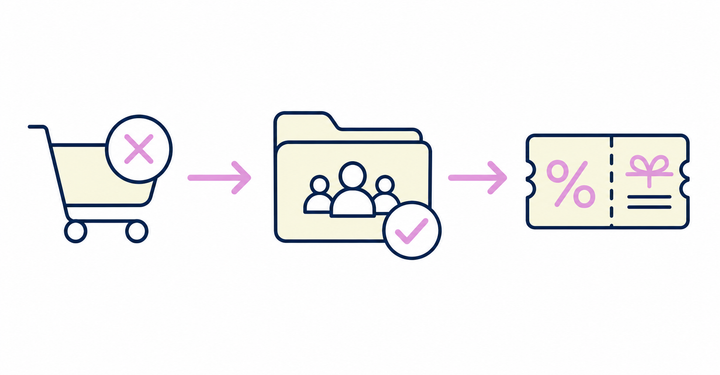
How to segment customers who abandoned their carts in Shopify and send coupons: abandoned checkout date




Try Howdy free for 14 days
Our dedicated team handles the initial setup for free. Questions? Reach us through our contact form.
