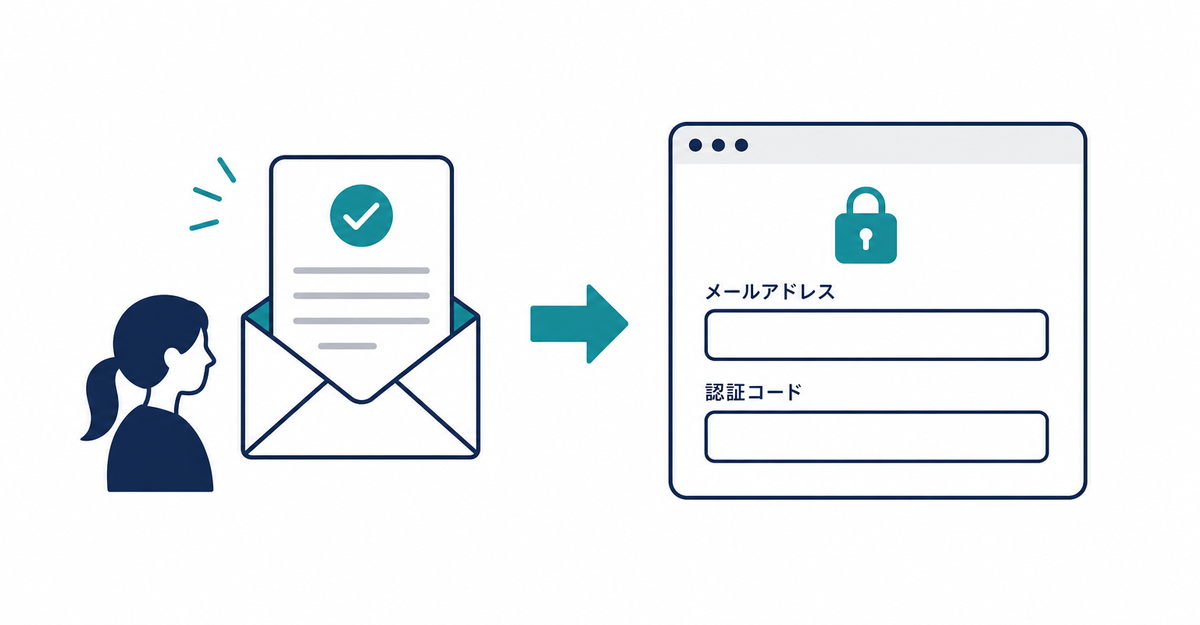
In short: When you tell existing customers about the move, include three points: (1) their order history, profile, and shipping addresses carry over as they are, (2) from their next login, they use a verification code instead of a password, and (3) they don't need to sign up again. Customers' login switches to new customer accounts at the moment you click Upgrade (「アップグレード」) in the Shopify admin.
Key points
- Existing customers' data carries over. What changes is how they log in and how the account page looks
- Your announcement should cover three points: data carries over, the login method changes, and there's no need to sign up again
- Customers' login switches over when you click Upgrade (「アップグレード」) under Customer accounts in the Shopify admin
- You can go back to legacy customer accounts within 30 days of the switch
- To collect additional details such as birthdays from existing customers, use new-member detection with customer tags
What changes for existing customers after the migration?
What changes is how they log in and how the account page looks. Order history, profiles, and shipping addresses carry over to new customer accounts as they are. Instead of entering a password, customers enter their email address and then log in with a 6-digit verification code sent to that email. If your store has set up Shop, Google, or Facebook login, customers can also use those.
| Item | Before migration | After migration |
|---|---|---|
| Order history, profile, and shipping addresses | Stored | Carried over as is |
| Login method | Email address + password | Email address + verification code (Shop, Google, and Facebook login also available) |
| Signing up again | — | Not required |
Source: Shopify Help Center: "Customer accounts"
What should the announcement include?
Include these three points in your announcement.
- Their order history, profile, and shipping addresses can still be used as they are
- From their next login, they won't need a password and will log in with a verification code sent to their email address
- They don't need to sign up again
If some customers have had trouble with forgotten passwords, this also tells them that logging in with a verification code removes the need to reset a password at all.
Source: Shopify Help Center: "Upgrading to customer accounts from legacy customer accounts"
When does customers' login switch over?
At the moment you click Upgrade (「アップグレード」) in the banner at the top of the page under Settings > Customer accounts in the Shopify admin. Until then, the login links in your online store and checkout still point to legacy customer accounts.
When you publish your configuration, a step you complete before upgrading, your app and brand settings changes are applied to checkout and customer accounts as soon as you publish. Within 30 days of the upgrade, you can go back to legacy customer accounts.
The steps for adding a sign-up form are in How to add a sign-up form to new customer accounts (Howdy).
Source: Shopify Help Center: "Upgrading to customer accounts from legacy customer accounts"
What if you also want to collect additional details from existing customers?
If you switch Howdy's New Customer Detection to use a customer tag, you can show the sign-up form at the next login only to customers who don't have the tag you specify. In the settings, you set a customer tag (for example, "member") as the criterion, and the same tag is added automatically after the form is submitted. New customers don't have the tag, so they see the form, and existing customers who don't have the tag also see the form at their next login. Once they submit the form, the tag is added and the form no longer appears. If you've already organized the fields you collect with a pre-migration checklist, you can use that list as is for the form fields. Organizing the fields you collect is covered in 5 things to check before migrating from legacy customer accounts.
Related articles
- 5 things to check before migrating from legacy customer accounts
- What are Shopify's new customer accounts? Differences from legacy accounts and what to do in 2026
Frequently asked questions
Questions about new customer accounts? Ask us anytime.
Ask us about anything from writing your announcement for existing customers to setting up the collection of additional details with customer tags. Our dedicated team at Howdy creates customer metafields, sets up sign-up form fields, and places blocks on the profile page for free.